Colleagues
The Colleagues menu provides a comprehensive overview of all employees within the company. Users can search, filter, and view essential information about colleagues, including contact details, job roles, and department affiliations. This feature ensures seamless navigation through the company’s employee database, allowing users to quickly find relevant information about their colleagues.
Key Features
- Employee Directory – Displays a list of employees, including their name, role, department, and contact details.
- Advanced Search & Filtering – Users can search for specific employees and refine results based on department, seniority, or role.
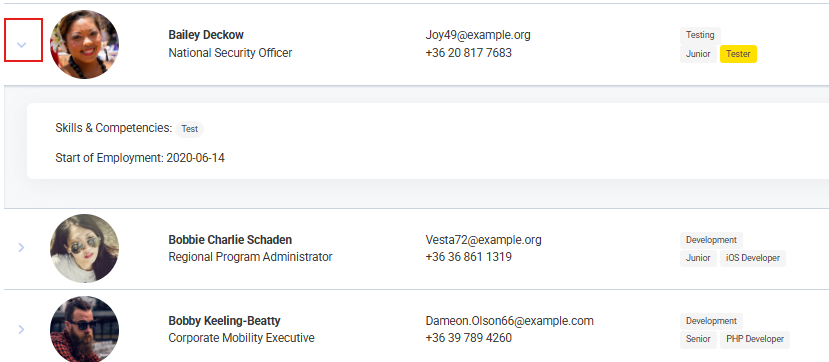
- Employee Profiles – Clicking on an employee’s name reveals detailed information, including areas of expertise, start date, and birthday.
- Internal & External Employee Filtering – A dropdown menu enables users to filter between internal employees, external employees, or view all.
- Former Employees Toggle – Provides access to past employees and their previous roles within the company.
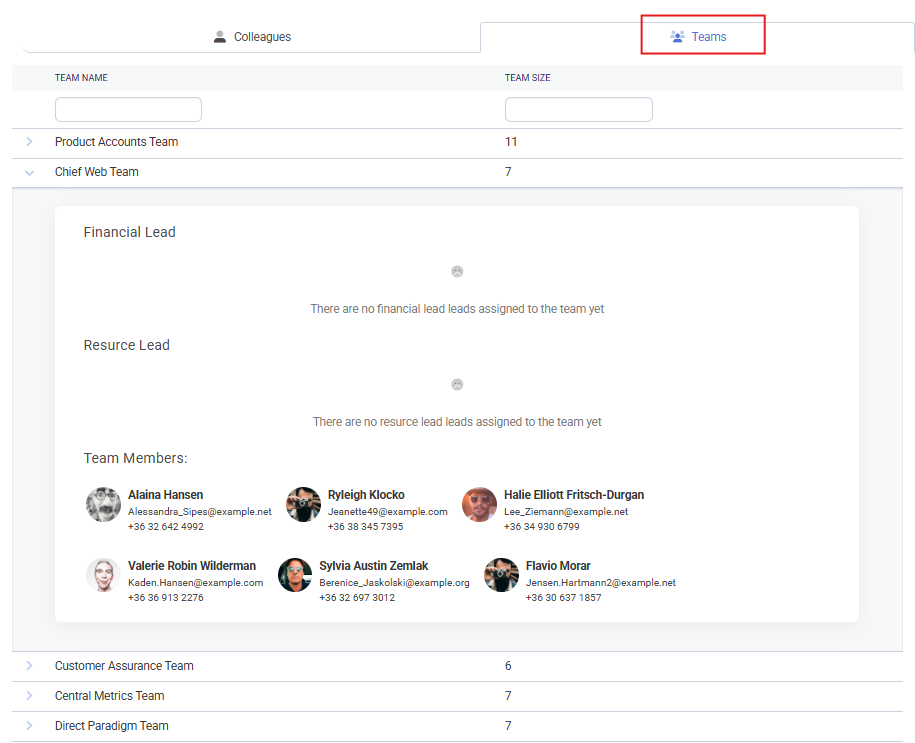
- Team View – Organizes employees into teams, highlighting leadership roles and overall team structure.
How to Use
-
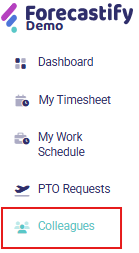
Open the Colleagues Menu → Navigate to the Colleagues tab.
-
Use Search/Filters → Enter a name or apply filters for department, role, or employment status.

-
Select an Employee → Click on the arrow icon next to an employee’s profile to view additional details.
-
View Team Structure → Switch to Team View to see team assignments and leadership roles.
-
Check Former Employees → Toggle the Show Former Employees option if needed.

Typical Use Cases
- Finding a colleague’s contact details.
- Viewing team structures and assigned members.
- Filtering employees by department or seniority.
- Checking the employment start date of a colleague.
- Identifying team leads or project managers.